

Sonic X is a click-to-earn game built around TikTok. However, in some regions, access to TikTok may be restricted. If you’re in one of these areas, you can still sign up for SonicX and enjoy watching TikTok videos.
Step-by-Step Guide
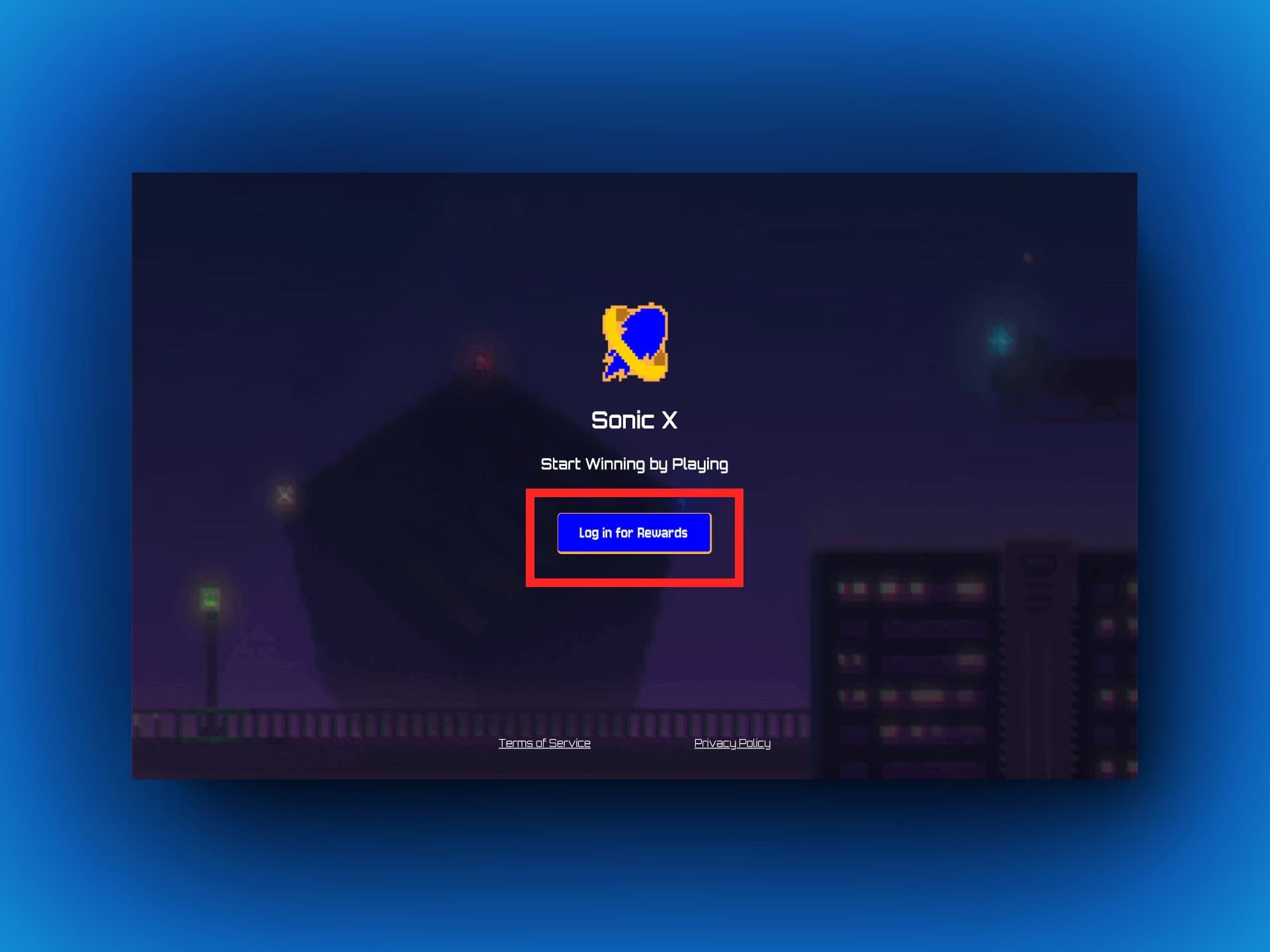
Step 1: Open a browser and go to the Sonic X website at https://sonicx.app. Click the “Log in for Rewards” button to open the login page.
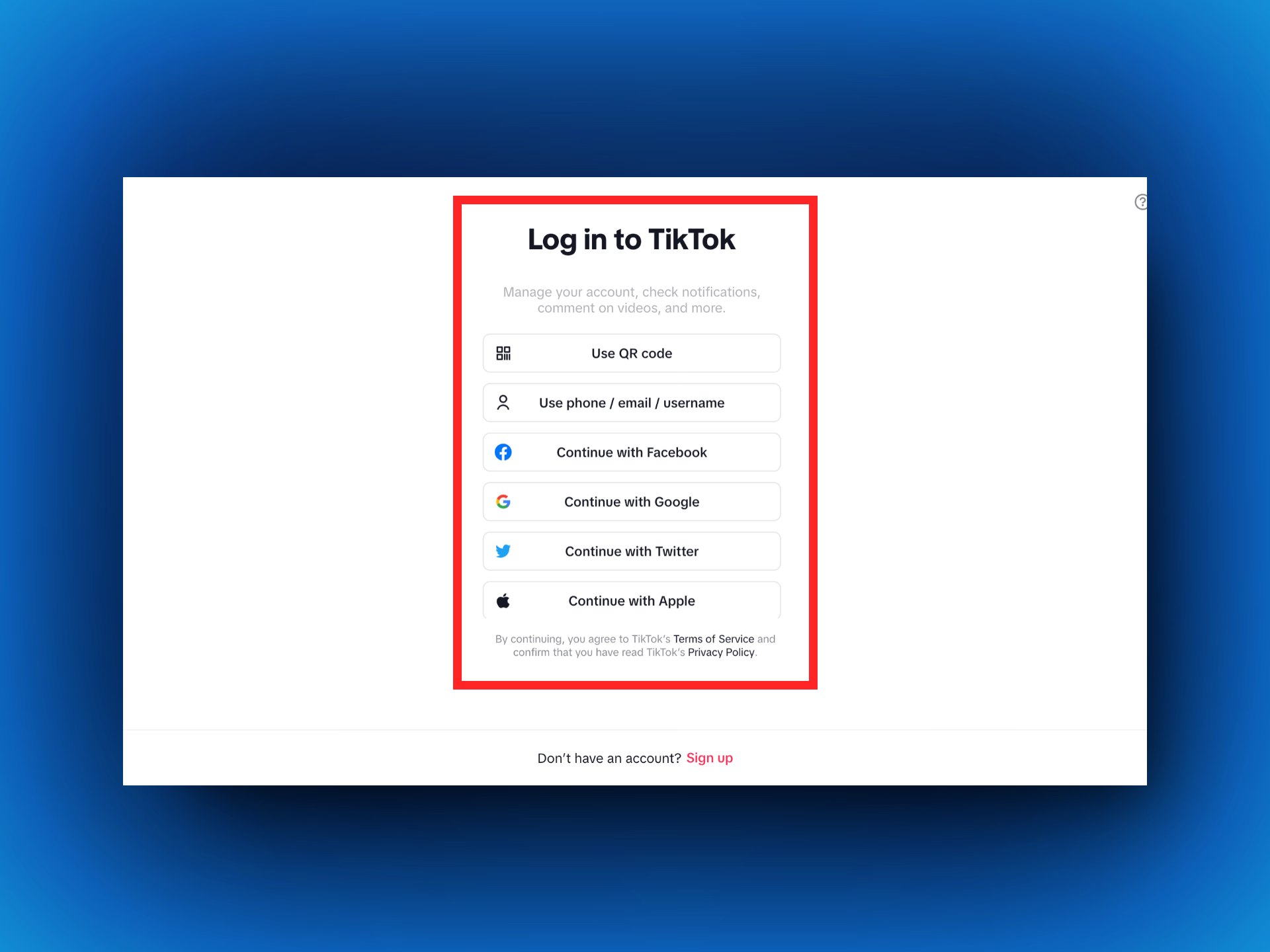
Step 2: Choose your preferred method to log in to TikTok (like using your phone, email, or a social media account). Once you’re logged in, your TikTok account will link automatically to Sonic X
If you’re having trouble logging in, try using a Google account on the TikTok web version to access Sonic X.
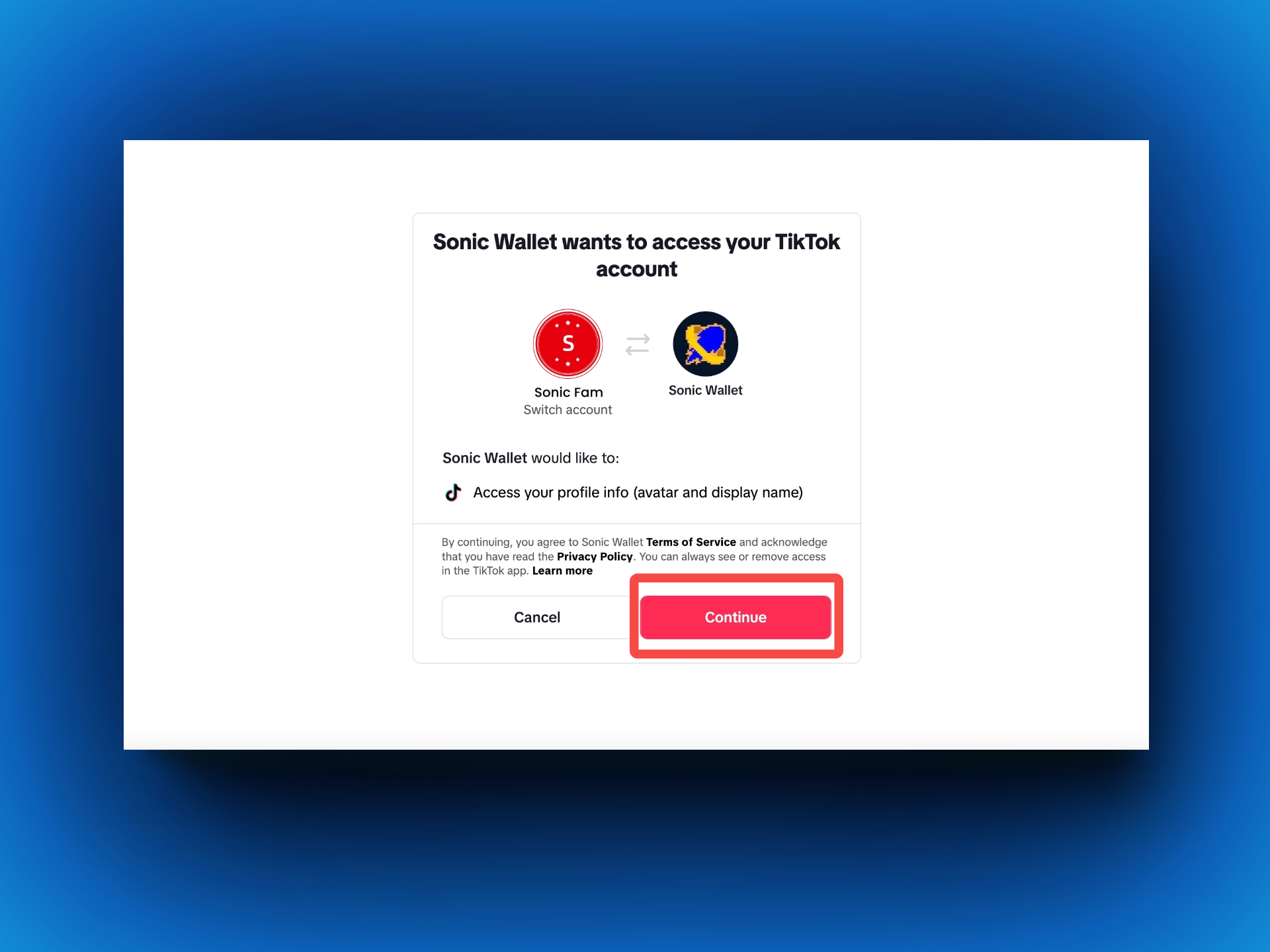
Step 3: After logging in with Google, you’ll see a prompt from Sonic Wallet asking to access your profile info. Click Continue to complete the connection and start playing Sonic X.
Step 4: Tap [Earn] at the bottom, then click [Watch the AD] to watch TikTok videos.
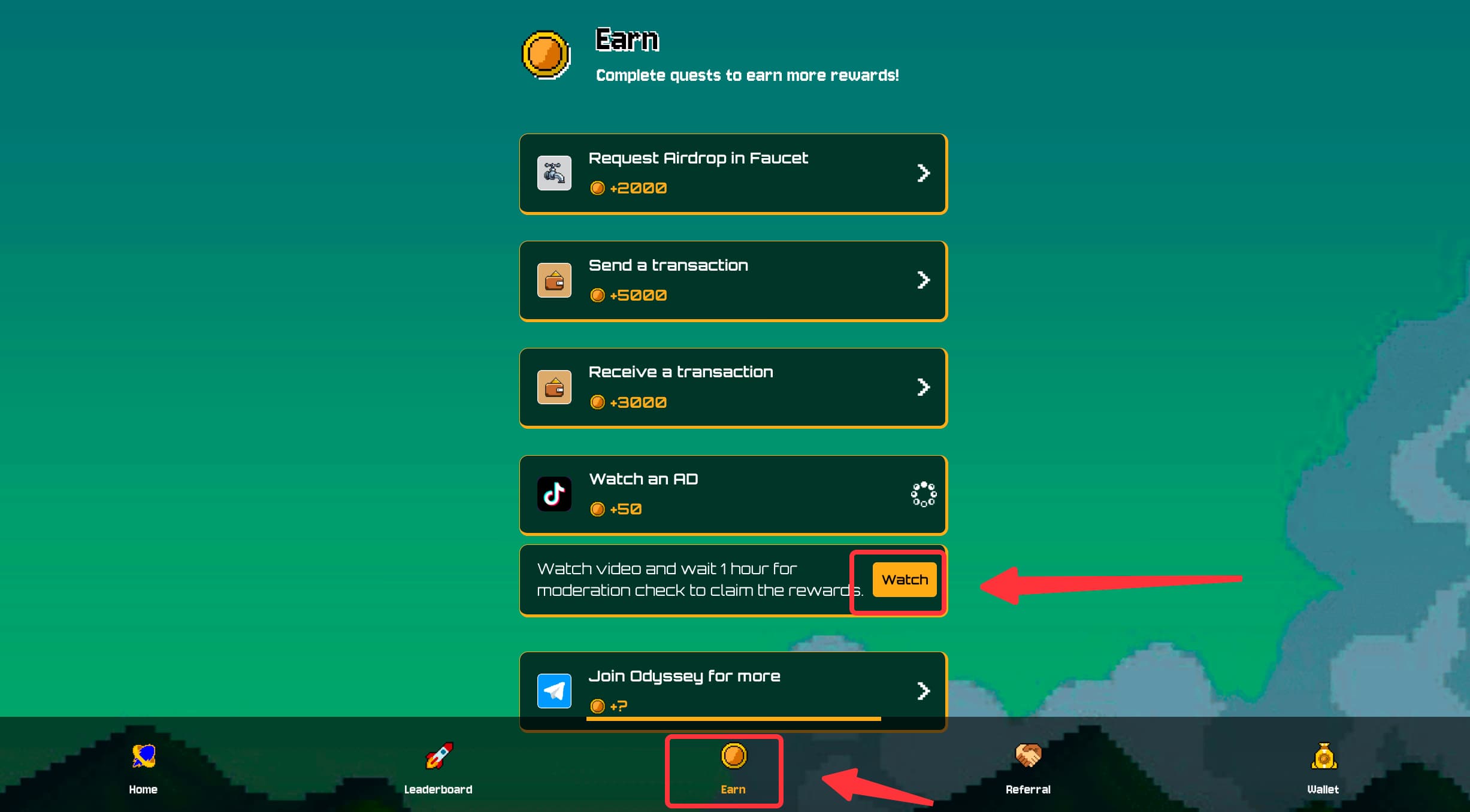
Step 5: Earn SonicX points to unlock future rewards and enjoy watching all TikTok videos.
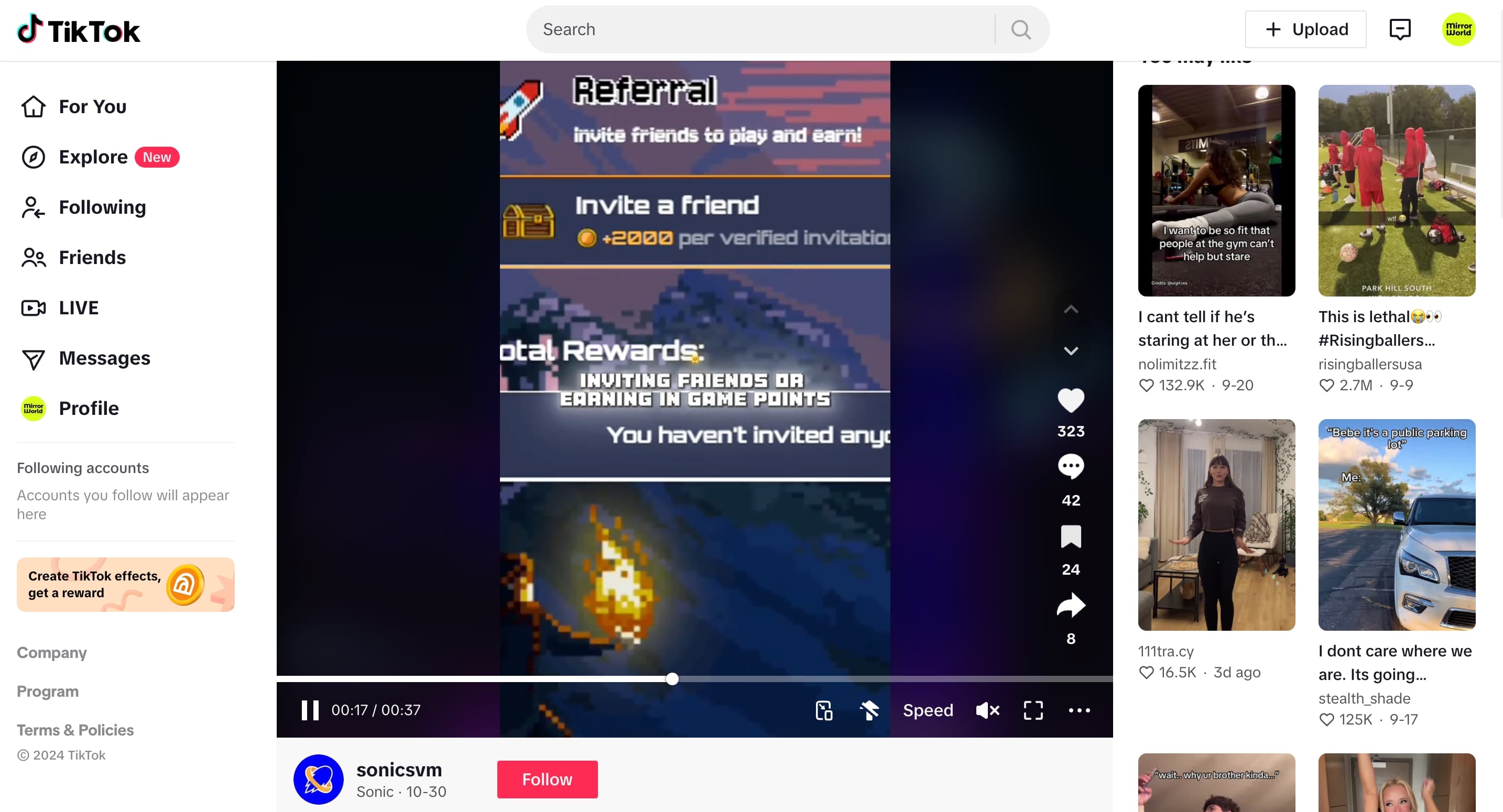
Explore More: Sonic X offers more than just tapping! Check out the leaderboard to see where you rank, refer friends to earn extra points, and dive into various game features designed to enhance your experience. Keep collecting points—these might lead to special rewards or even community airdrops in the future.
Enjoy the journey and climb the ranks in Sonic X: https://sonicx.app/click